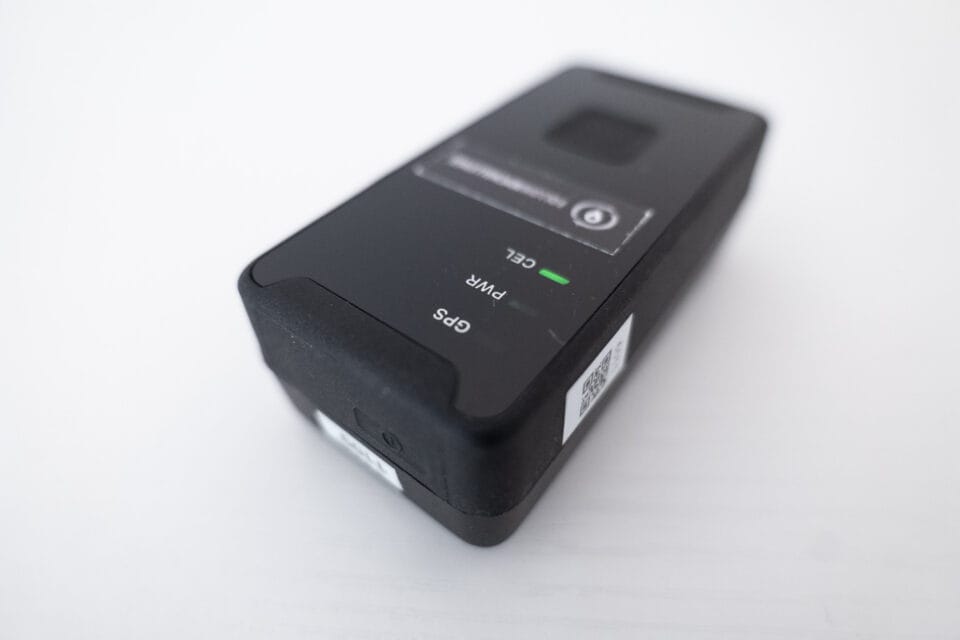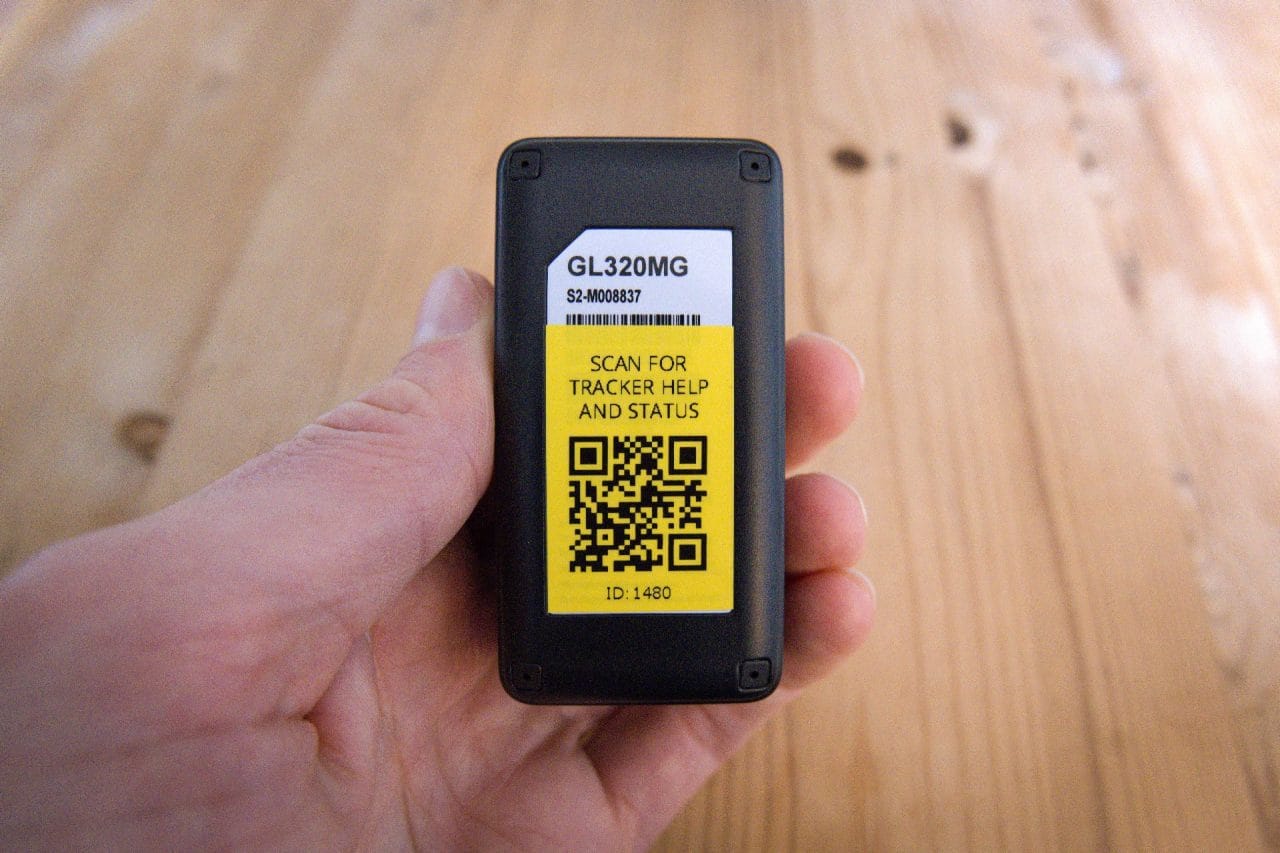

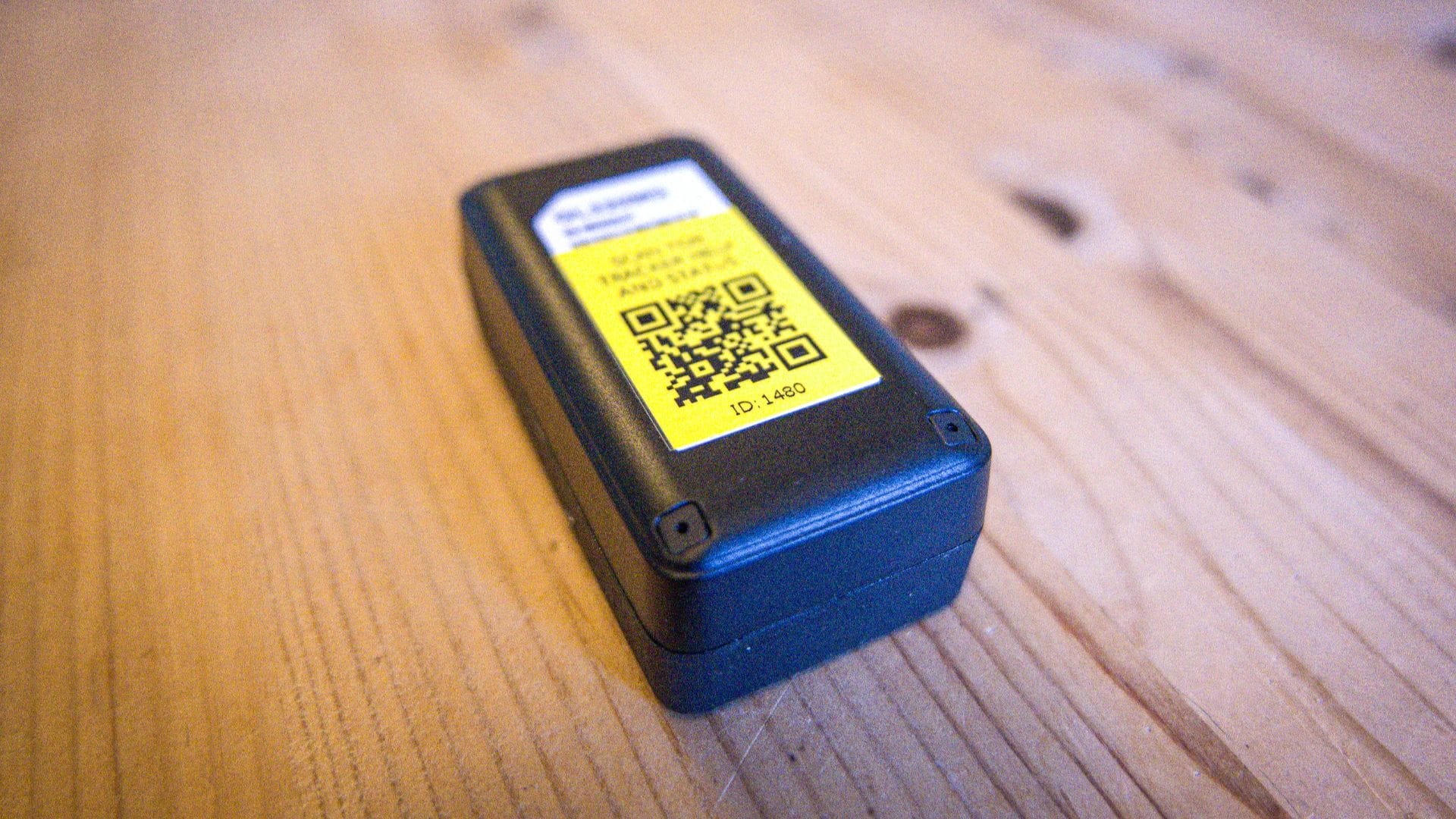
We’ve added a QR code to the rear of our Queclink GL320MG trackers, giving participants a quick and easy way to check their device is working before and during an event.
How Does it Work?
Each tracker now carries a unique QR code on its back. Scanning it with your phone camera opens a dedicated status and diagnostics page for that specific device. There is no app to install or login required; just point and tap the link that appears.
What does it show?
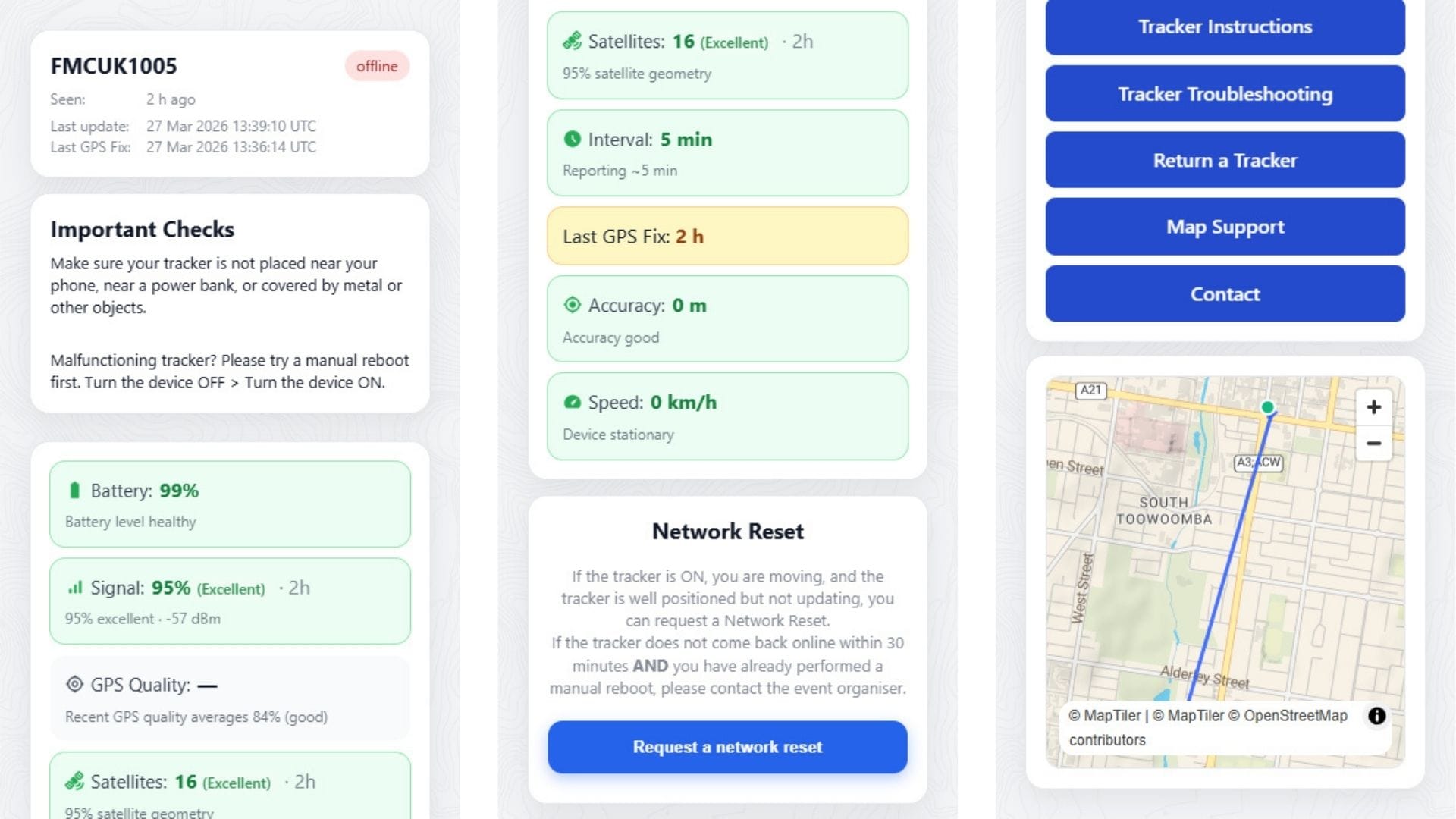
The diagnostics page gives you a real-time snapshot of how your tracker is performing, including battery level, cellular signal strength, GPS quality and satellite count.
You can also quickly verify the tracker ID and the participant name assigned to it. And if your tracker is experiencing connectivity problems, you can request a network reset directly. Previously, this functionality was only available to event organisers via the map manager.
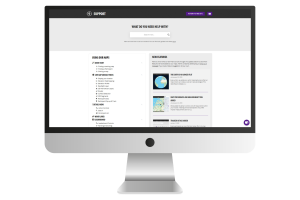
Scrolling down, you will find links to our wealth of online resources. Tracker instructions, troubleshooting guides, return details and our support site are all just a tap away.
Why does it matter?
Participants at ultra-endurance events have one thing on their mind – racing. When something seems off with a tracker, the last thing anyone wants to do is dig through support pages or try to get hold of an organiser mid-event.
The QR code changes that. Everything you need to assess your tracker’s health is collected in one place, accessible in seconds. A quick scan tells you immediately whether your battery is healthy, your GPS has a fix and your signal is solid – so you can get on with the event rather than troubleshooting.
And if something does need attention, the page doesn’t leave you hanging. Direct links to the relevant support and help pages mean you’re sent straight to the right place, already armed with the diagnostic information you need to fix it fast.